Guarded Price Feeds: Vault-Specific Risk Controls Built on Chainlink Data Feeds

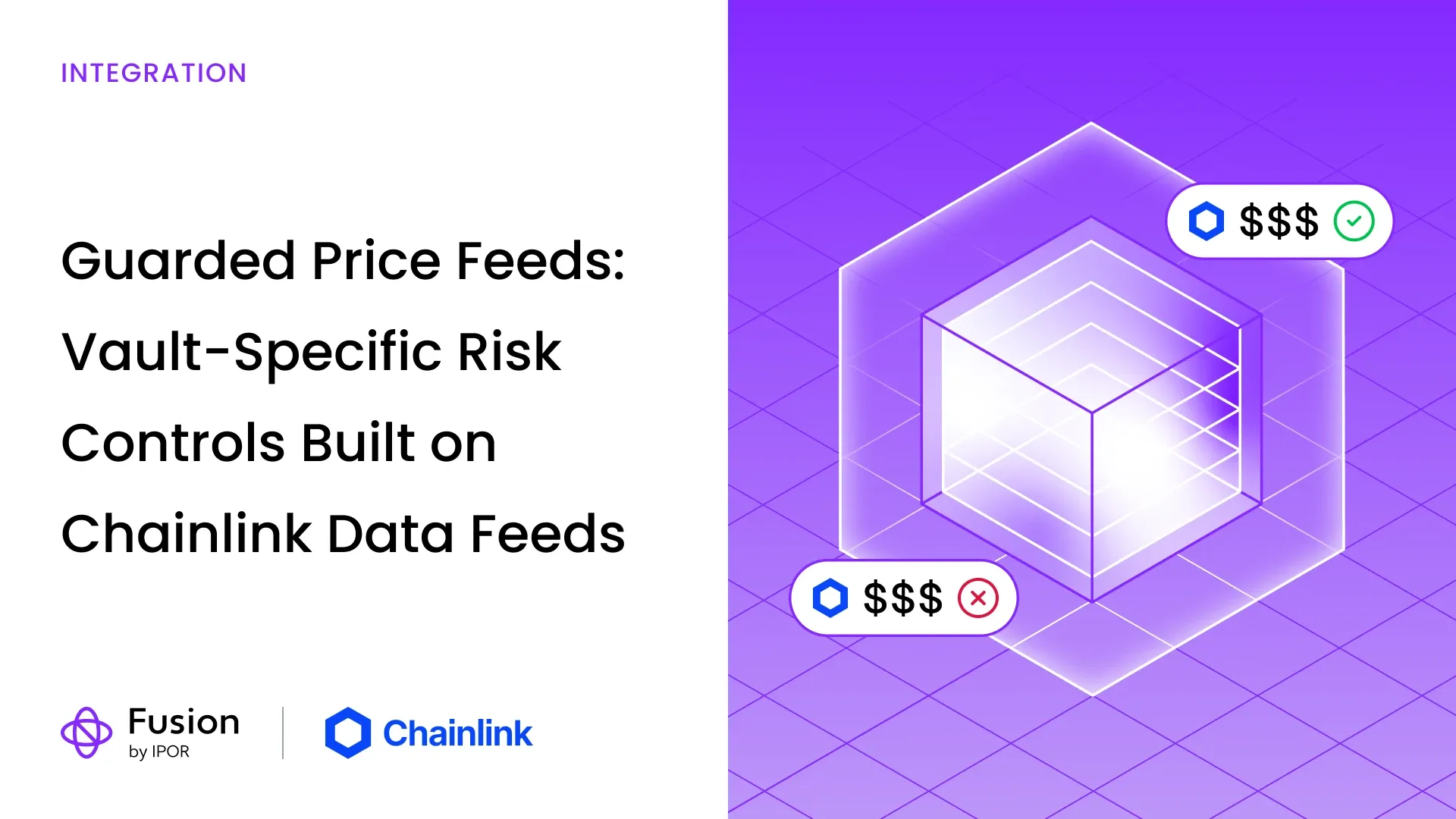
We’ve built Guarded Price Feeds, an optional adapter that lets IPOR Fusion vault operators add vault-specific risk controls on top of Chainlink Data Feeds.
As a vault operator, you choose which assets the controls apply to, the maximum age of the latest update, and how far a new update can move from the average of recent rounds before the vault acts on it. The adapter builds on an existing Chainlink Data Feed, reading its price and round history, and becomes active when an authorised account configures it as the selected asset’s price source.
Below, we’ll walk through the reasoning, put some numbers to it, and explain what happens when an update falls outside a vault’s configured limits.
In this article
- Why vault-level risk controls matter.
- How Chainlink Data Feeds provide the foundation.
- Which vaults can use the adapter.
- Examples with sudden market moves, price age limits and gradual declines.
- Configuring the guard’s four settings.
- How out-of-limit updates affect vault operations.
- IPOR Fusion and Chainlink CCIP Vault Adapters.
- Technical details for developers.
- Implementation details and links.
Why vault-level risk controls matter
A price feed tells a vault what an asset is worth. What the vault then does with that price is a separate decision, and it depends on the strategy behind it.
A stablecoin vault, a leveraged staking position and a dedicated client vault run for a regulated client all have different comfort levels. One might accept a price that is a few hours old, another might want a fresh update every few minutes. One might be fine with a sharp move in a single update, another might prefer to wait and see whether that move holds before doing anything with it.
Good risk management usually adds several layers of protection. Chainlink’s own documentation asks developers to assess the data they consume and describes safeguards such as circuit breakers, which pause operations during an extreme price event, and update delays, which hold off until a fresh input arrives.
Guarded Price Feeds brings those safeguards into the vault itself. It lets operators set two simple rules for a vault’s price source:
- How old the latest price update can be before the vault stops using it.
- How far a new update can move away from recent prices before the vault waits for that move to hold.
If an update falls outside those rules, any vault action that depends on that price pauses until an update within the rules comes in. The result is a vault that behaves in a clear, predictable way when markets get unusual, following rules its operator set and can explain to depositors, auditors and risk teams.
How Chainlink Data Feeds provide the foundation
IPOR Fusion’s oracle middleware can work with any provider, combining price feeds, exchange rates and market oracles to value each vault’s positions. Across the largest vaults on Fusion, Chainlink Data Feeds form the base of that pricing, anchoring the USD value of assets from ETH and BTC to stablecoins.
Chainlink Data Feeds bring together data from multiple independent sources through decentralized networks of node operators. Every new price is published onchain as a round, building up a transparent history that anyone can read and verify.
That history is what makes Guarded Price Feeds possible. Chainlink supplies the price and its round history, and the adapter uses them to apply each vault’s own rules on how recent and how stable an update needs to be before the vault acts on it.
Which vaults can use the adapter
Guarded Price Feeds works with new and existing IPOR Fusion vaults that price their assets through Chainlink Data Feeds with round history.
- New vault: the operator sets the guarded feed as the asset’s price source during setup.
- Existing vault: an account with the right oracle permissions can switch the asset’s price source to the guarded feed.
Stablecoins and staking tokens priced against their base asset are a natural place to start. Operators usually expect those prices to stay within a fairly narrow range, so clear limits are easy to set.
Even then, it’s worth testing how the vault behaves during a real depeg or a lasting shift in that relationship. An unusual price can be telling you about a genuine market event, and the settings should leave room for that.
For more volatile assets, the limits need to be wide enough for the normal price swings the strategy expects, so the vault doesn’t pause during everyday market moves.
The adapter compares each new price with the feed’s recent update history. Some assets are priced differently, for example through an exchange rate read directly from a contract, and those don’t have that history, so the adapter can’t be used for them.
Examples with sudden market moves, price age limits and gradual declines
Let’s put some numbers to it. These examples are simplified: they ignore fees and rounding, and assume the guard already has a full history of recent updates to compare against.
Example 1: A sudden 10% market drop, and the vault waits for it to hold
Suppose an asset trades steadily at $2,500, then drops to $2,250 in a single update and stays there. That’s a real 10% market move.
The operator has set a 5% limit. Here’s how the guard responds, depending on how many recent updates it compares against:
- With a five-update window, the guard holds off on the first three updates at $2,250 and accepts the fourth.
- With a ten-update window, it holds off on the first six and accepts the seventh.
Each new update at $2,250 still counts towards the recent average, so the average catches up with the new price step by step. Once the new price sits within 5% of that average, the vault accepts it and carries on as normal.
In the meantime, vault actions that depend on that price wait. The operator gets a short window to confirm the move is real before the vault acts on it, and nothing about the market price itself is overridden. How long that window lasts depends on how often the feed updates, which we cover further down.
Example 2: A price update older than the vault’s two-hour limit
Suppose the operator has decided the vault should only act on ETH prices updated within the last two hours. That’s a stricter rule than the feed itself needs, chosen for this particular strategy.
The last update priced ETH at $2,500. Two hours and one minute later, no new update has arrived. ETH may well still be trading at $2,500, but the latest update is now older than the vault’s limit.
The guard holds off on that price, and actions that need it wait until a fresh update arrives.
Example 3: A gradual 10% decline passes every time
Suppose ETH starts at $2,500 and falls by $25 with each new update. After ten updates it reaches $2,250, a 10% decline in total.
The operator has set a 5% limit and a five-update comparison window. Every step of this decline passes.
How does a 10% fall pass a 5% limit? The guard compares each new price with the average of the previous five updates, and that average moves down along with the market. At the final step:
- The previous five updates average $2,325.
- The latest update is $2,250.
- The difference is about 3.2%, within the 5% limit.
The vault reflects the decline as it happens, because each update stays close to recent prices. The guard is there for sudden, exceptional jumps. A market moving steadily passes straight through.
Configuring the guard’s four settings
Every vault calls for its own setup. A good starting point is the feed itself: what it prices, how often it updates, and how it has behaved through both quiet trading and sharp market moves.
We’ve used 5% in the examples because it keeps the maths easy to follow. For your own vault, test the limit against that feed’s real behaviour before settling on a number.
When creating a guarded feed, the operator chooses four settings:
- Maximum price age (
MAX_STALE_PERIOD). How old the latest update can be before the vault stops using it. Leave room for the feed’s normal update interval and small delays. The longest period you can set is seven days. - Maximum move (
MAX_DEVIATION). How far a new update can sit above or below the average of recent updates before the vault waits for it to hold. Set it with the asset’s usual price behaviour in mind. - Updates to compare against (
ROUNDS_TO_CHECK). How many previous updates go into that average, from one to ten. A longer window gives a smoother average, but it also takes longer to catch up after a sudden market move. - Minimum usable updates (
MIN_VALID_ROUNDS). How many usable previous updates the guard needs before it accepts a price, from one up to the number chosen above. Setting it close to that number means the guard needs a fuller history.
Code example: creating a guarded feed through the factory
Those four settings map directly to the factory’s create call. This Solidity fragment assumes factory is a ChainlinkGuardedPriceFeedFactory instance and aggregator is the chosen Chainlink Data Feed on the same network.
address guardedFeed = factory.create(
    aggregator,
    2 hours, // Maximum price age
    5e16,    // Maximum move: 5%
    5,       // Updates to compare against
    3        // Minimum usable updates
);
One detail that’s easy to miss: the maximum move uses a scale where 1e18 means 100%, so 5e16 equals 5%.
This setup compares against up to five previous updates and needs at least three usable ones once the feed has built up its history. The numbers are only an illustration, not a recommended setting for every asset.
When the factory creates the adapter, it runs two quick checks. The adapter confirms that the feed returns a usable current price and timestamp, then the factory reads the price once through the guard. If either check fails, for example because no recent update is available, creation stops, so the vault never starts relying on a price source that isn’t ready. That first read doesn’t compare against earlier history.
Once the adapter is created, an authorised account sets its address as the asset’s price source in the vault’s oracle middleware or per-vault oracle manager.
The settings are fixed for each deployed adapter. To change them, deploy a new guarded feed and point the asset’s price source to it.
It’s also worth testing what happens when the guard holds off on a price: which vault actions keep working and which wait until a new update arrives.
How out-of-limit updates affect vault operations
The guard doesn’t pause the whole vault. It only affects the actions that need the price it’s holding off on.
While that price is outside the vault’s limits, those actions wait for an update that fits. Withdrawals are among them, so depositors can’t withdraw until a price within the vault’s rules is available again. Balance updates and strategy actions that rely on the same price wait as well. The guard doesn’t substitute a different price in the meantime.
The effect on a given vault depends on where its deposit and withdrawal flows read prices, so it’s worth walking through those flows before switching the guard on.
How long the wait lasts depends on the feed’s update rhythm
It’s easy to read “five updates” as a fixed waiting time. It isn’t. A round is a new Chainlink price update, and feeds publish one either on a regular heartbeat or when the price moves past the feed’s own threshold. The time between rounds varies.
That means a longer comparison window can keep a vault waiting for several hours on a feed that updates less often. Check the specific feed’s update behaviour on data.chain.link before choosing the window. The feed’s own update threshold is separate from the maximum move set in the guard.
The guard confirms that a move has held. It doesn’t judge whether the market is right, so keeping an eye on the underlying feed stays part of running a vault.
IPOR Fusion and Chainlink CCIP Vault Adapters
Guarded Price Feeds is one part of how IPOR Fusion builds on Chainlink. The next is cross-chain.
IPOR Fusion is among the early integrators of Chainlink CCIP Vault Adapters, announced by Chainlink in October. They are planned for release to operators on an opt-in basis later this year, for both existing and new vault deployments.
CCIP Vault Adapters will let a vault built on Fusion accept deposits and redemptions from other chains while its accounting stays in one place, with each cross-chain move secured by Chainlink CCIP. In practice, that opens up setups such as:
- A wallet app on Arbitrum offering its users a Fusion vault that lives on Base.
- A fund with Ethereum-only custody holding a position in a strategy that runs on Base.
The same rules apply across chains. Who can act, which markets are permitted and how withdrawals work stay defined in the vault’s configuration, and guarded price sources remain available for assets the vault prices through Chainlink Data Feeds.
Technical details for developers
Reading a guarded price
The guard’s logic runs inside the adapter’s latestRoundData() call. A direct read looks like this:
(, int256 price, , , ) =
    ChainlinkGuardedPriceFeed(guardedFeed).latestRoundData();
If the update fits the vault’s limits, price returns the underlying Chainlink price unchanged. If it doesn’t, the call reverts with one of the guard’s errors: InvalidPrice, StalePrice, FuturePrice, DeviationTooHigh or InsufficientValidRounds. When the read goes through the vault’s oracle middleware, the error passed back to the caller can differ. The per-vault oracle manager, for example, reports it as UnexpectedPriceResult.
The average leaves out the latest update
The guard compares the latest update with the average of the updates before it. Leaving the latest one out means a single unusual update can’t pull the average towards itself.
Once enough earlier updates are available, the deviation is worked out like this. The excerpt comes from the contract’s internal check, where sum and count refer to those earlier updates:
uint256 mean = sum / count;

uint256 diff = latestPrice_ > mean
    ? latestPrice_ - mean
    : mean - latestPrice_;

uint256 deviation = Math.mulDiv(diff, WAD, mean);

if (deviation > MAX_DEVIATION) {
    revert DeviationTooHigh(deviation, MAX_DEVIATION);
}
The check works the same in both directions. An update above the average and one below it face the same limit.
The history starts building when the adapter is deployed
A new guarded feed only looks at updates published from its deployment onwards. Earlier rounds aren’t included, so it’s best to deploy during normal market conditions.
That creates a short warm-up period, while fewer updates exist than the settings normally require. During warm-up, the guard temporarily lowers its minimum to the number of updates available so far. With a five-update window and a minimum of three:
- In the deployment round, the guard checks the price’s age but skips the comparison, as there’s nothing earlier to compare against.
- After one new update, it needs one usable earlier update.
- After two new updates, it needs two.
- After three new updates, the full minimum of three applies, and the window can keep growing to five.
The age check stays on throughout.
Once the history is established, updates with missing data are left out of the average. If fewer usable updates remain than the minimum, the guard waits until enough are available.
Chainlink occasionally moves a feed to a new underlying aggregator, known as a phase change. The warm-up doesn’t restart when that happens, so the new phase needs enough updates of its own to meet the full minimum. Until it has them, reads through the guard wait.
Longer windows cost more gas
Every time the guard checks a price, it also reads the earlier updates it compares against. With the longest window of ten, that’s up to ten extra reads per price check.
Those reads add gas to any transaction that uses the guarded price. How much depends on how often an action requests prices and how many guarded feeds it uses, so compare gas costs for actions like balance updates, strategy execution and withdrawals before settling on a window length.
Implementation details and links
Guarded Price Feeds implements IPOR Fusion’s IPriceFeed interface, so it can serve as an asset’s price source within the existing oracle setup, alongside the vault’s other price sources.
For operators evaluating the adapter, the examples above are a good starting point: choose a feed, test the settings against its real behaviour, and check how the vault responds both when an update fits its limits and when the guard holds off on one.
The code snippets in this article are short Solidity fragments. The contracts below give them their full context.
The IPOR deployment registry lists factory addresses for Base, Ethereum, Arbitrum, Katana and HyperEVM. Look for the ChainlinkGuardedPriceFeedFactoryProxy entry in the relevant chain’s address file.
IPOR Fusion contracts